How To Guide
Find the guide for the task you want to do.
New to Superinsight? Start with the Quickstart Guide first — then come back here for more detailed help.
I want to…
| I want to… | Go here |
|---|---|
| Create a new case | Create a case |
| Find or open a case | Find and open a case |
| Share a case with someone | Share a case |
| Delete a case | Delete a case |
| Update case contact information | Update contact info |
| Connect Superinsight to my case system | Case integration |
| Upload and organize documents | Organize my files |
| Build a new report | Build a report |
| View, edit, or download a report | Manage my reports |
| Ask questions inside a report | Research Insight |
| Create or manage a team group | Manage groups |
| Manage my organization and members | Manage organizations |
| Check or change my subscription | Manage subscription |
| Understand how credits work | Credit usage |
Not sure where to start?
-
First time here
Follow a short video and simple steps to create your first case and report.
-
I have a common question
Check short answers to frequent issues like sign-in, uploads, and reports.
-
I need help from a person
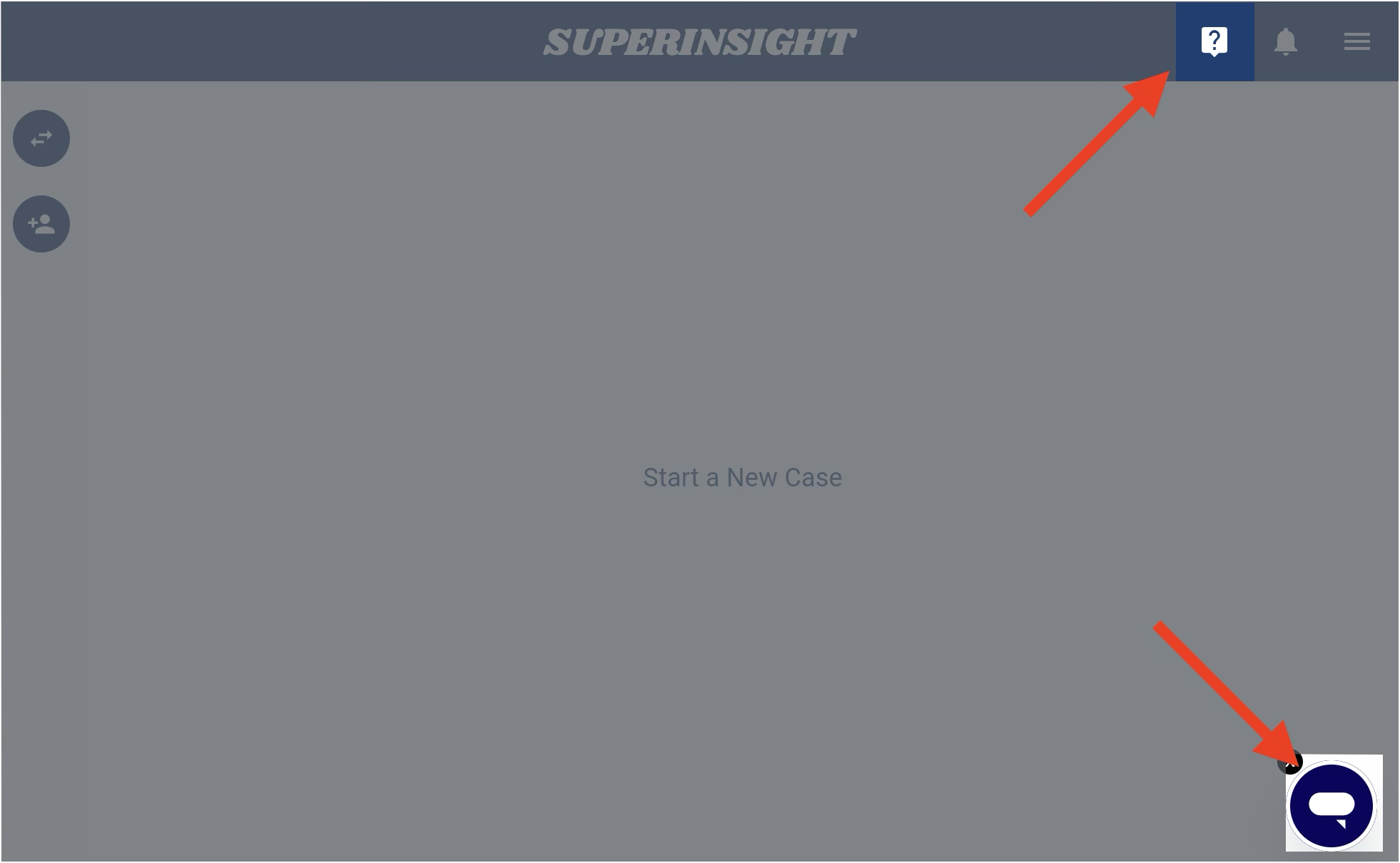
Use Live Help in the app or email our support team.
Still stuck?
Open Live Help inside the Superinsight app, or visit Contact Support for email and troubleshooting tips.