Update Contact Info
Use the Contacts tab inside a case to store client and related contact details. This information is shared with teammates who have permission to view Contacts.
Steps
- Open the case you want to update.
-
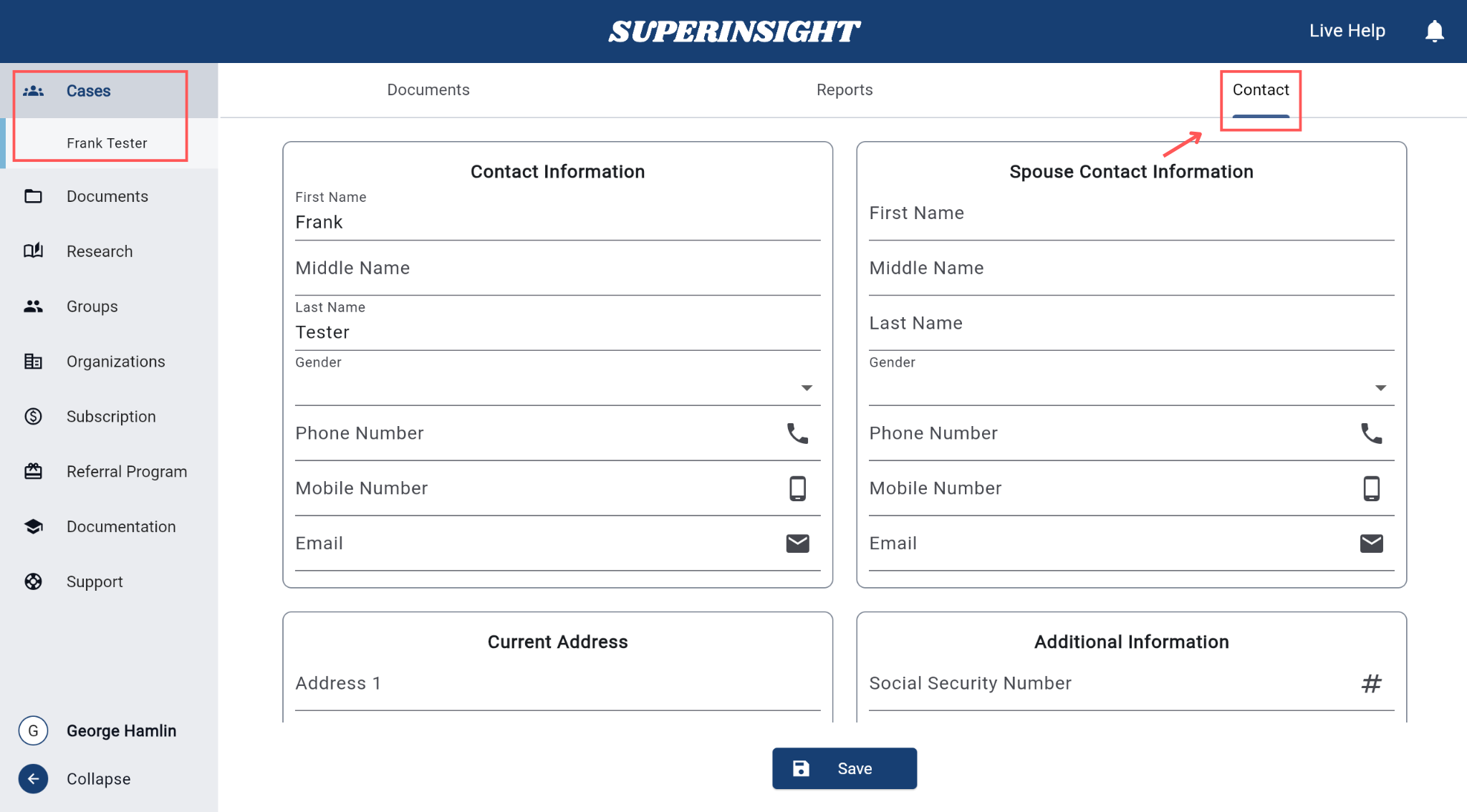
Click the Contacts tab.
-
Fill in the details you need:
- Primary Contact — name, gender, phone, email
- Spouse Info (if any) — name, gender, phone, email
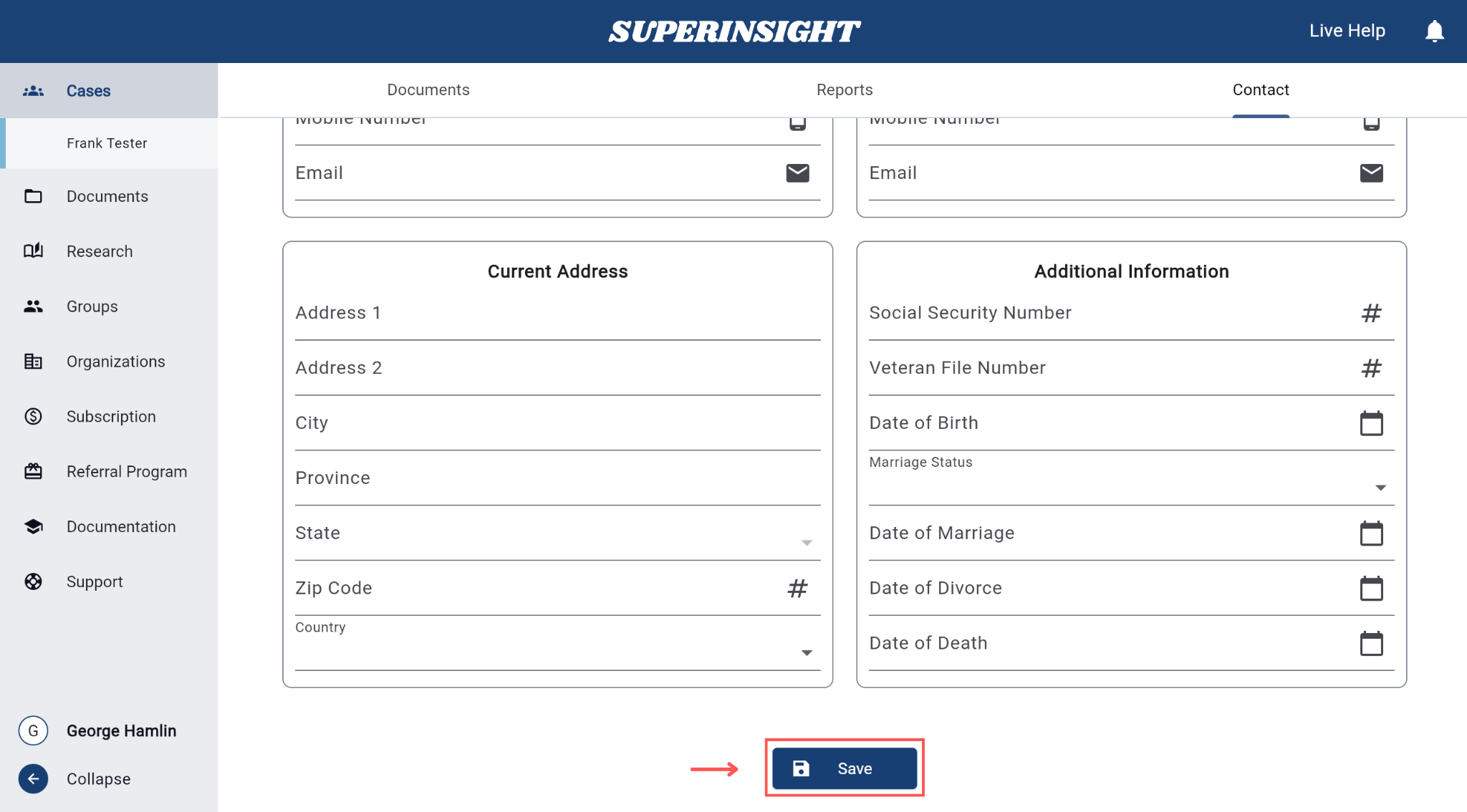
- Address — street, city, state, zip, country
- Additional Info — SSN, veteran file number, date of birth, marriage status and dates
-
Click Save.
You're done when…
Your changes are saved, and teammates with access can see the updated contact information.
Next steps
- Create a case
- Share a case — control who can view Contacts
- Find and open a case